
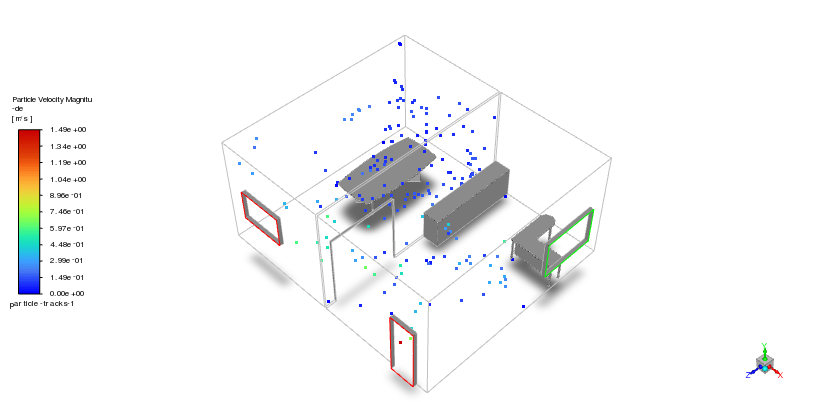
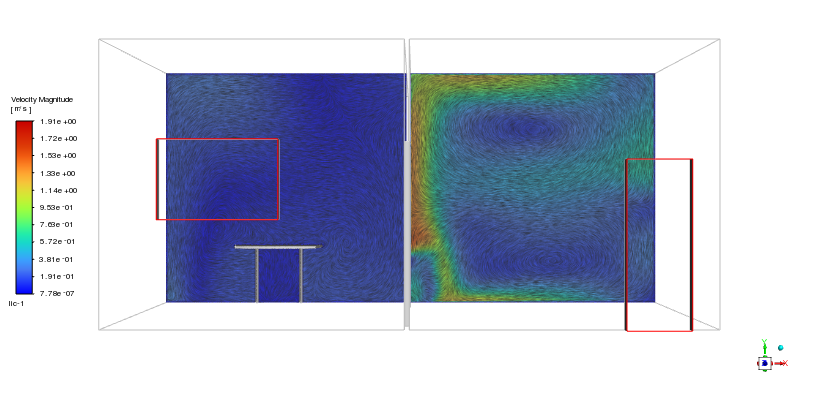
Indoor air quality is vital for residents and occupants in an office. Outdoor dust may enter the building via the window when it gets windy and this can cause health issues. Once again, CFD methods come in handy in investigating the path of particles through the vents, resulting in better design of HVAC or ventilation systems.
However, in this study, we want to focus on the application of particles surface injection using Discrete Phase Model (DPM) in ANSYS Fluent. Dust particles enter the office from the window and disperse in the air.
Simulation Process
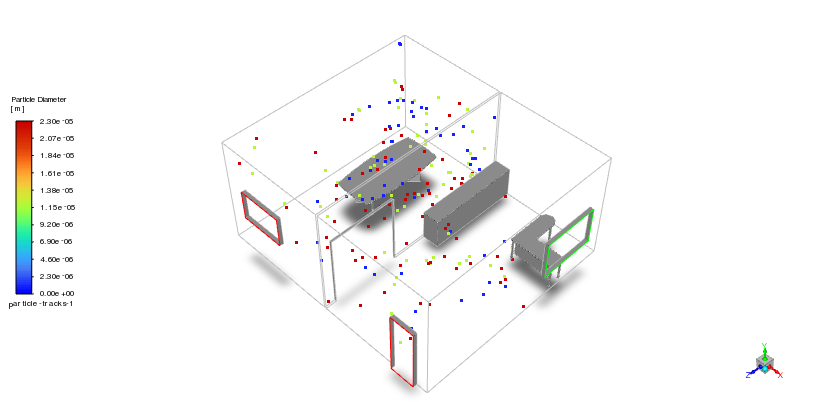
The geometry of the present project is designed using Spaceclaim software. Some objects, such as tables, are taken from the Grabcad website. As shown, the office consists of two rooms connected with a section. Discrete Phase model (DPM) module is employed to simulate dust particles. It is actually a multiphase simulation that has a continuous phase (air) and a discrete phase (dust). If you want to know more, check our blogs. Although the continuous phase is solved in steady form, the particles are tracked unsteadily. Furthermore, particles have 1e-6 to 1e-5m diameter; thus, the Rosin-Rammler diameter distribution method is activated.
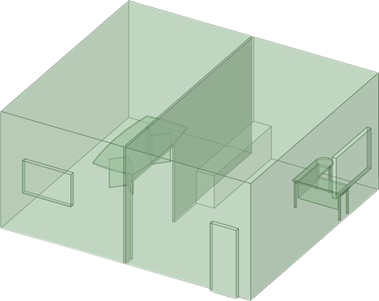
Figure 1: Schematic of office
Post-processing
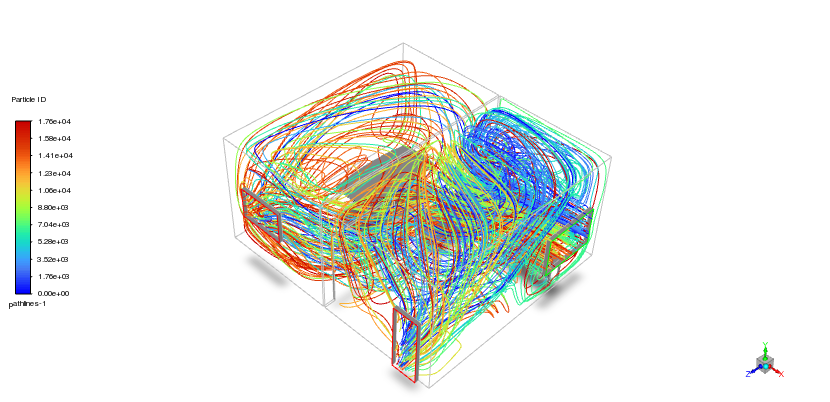
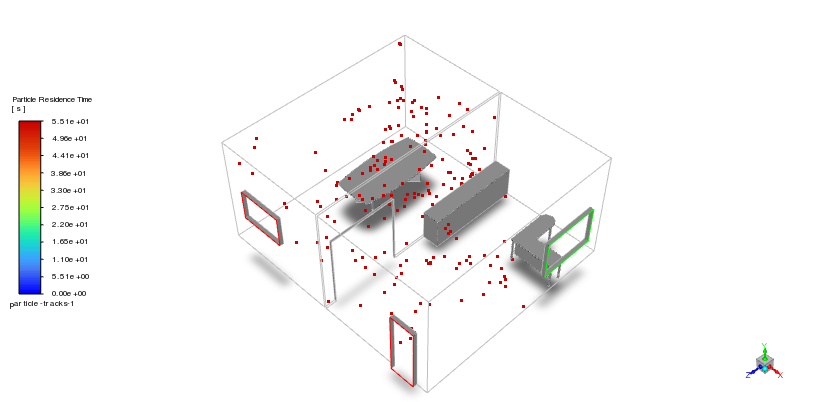
The dust particles enter the office through the window and create fascinating flow patterns throughout the space. Looking at the colored particle tracks, we can see how these tiny particles dance through the rooms, swirling and changing direction based on air currents. Our tracking revealed some particles stay trapped in the office for up to 55 seconds before finding an exit path. This long residence time matters because longer exposure to indoor dust directly impacts air quality for office occupants. The DPM simulation shows particles following distinct pathways – some take direct routes to exits while others get caught in recirculation zones, especially near corners and furniture. When particles hit walls or objects, they don’t just stop – they bounce off and find new paths, creating complex interaction patterns that simple airflow models miss.
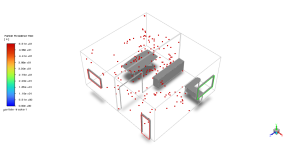
Figure 2: Particle residence time after the surface injection inside the office
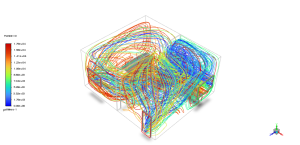
Figure 3: Particles pathways after injection using surface DPM
The velocity contour plot reveals why particles behave this way, showing speeds ranging from nearly zero in corners to peaks of 1.91 m/s near the window inlet. These air currents essentially create invisible highways that carry dust through the office. Where velocity is highest, particles move quickly and directly. In contrast, blue areas with minimal airflow create zones where particles linger longest. The simulation validates real-world observations of dust behavior in office environments, confirming that particle dispersion depends heavily on room layout and ventilation design. This study provides crucial insights for HVAC engineers looking to optimize air inlet/outlet positioning. By adjusting vent locations to target areas with high residence times, we can reduce dust exposure and improve indoor air quality without increasing energy consumption.




Reviews
There are no reviews yet.